Free
Turn any photo into beads.
- Make and adjust as many patterns as you like
- Share the before-and-after image
- Build your first full pattern for free
For iPhone and iPad
Pick a photo. BeadPop finds the subject, removes the background and tells you exactly which beads to buy.
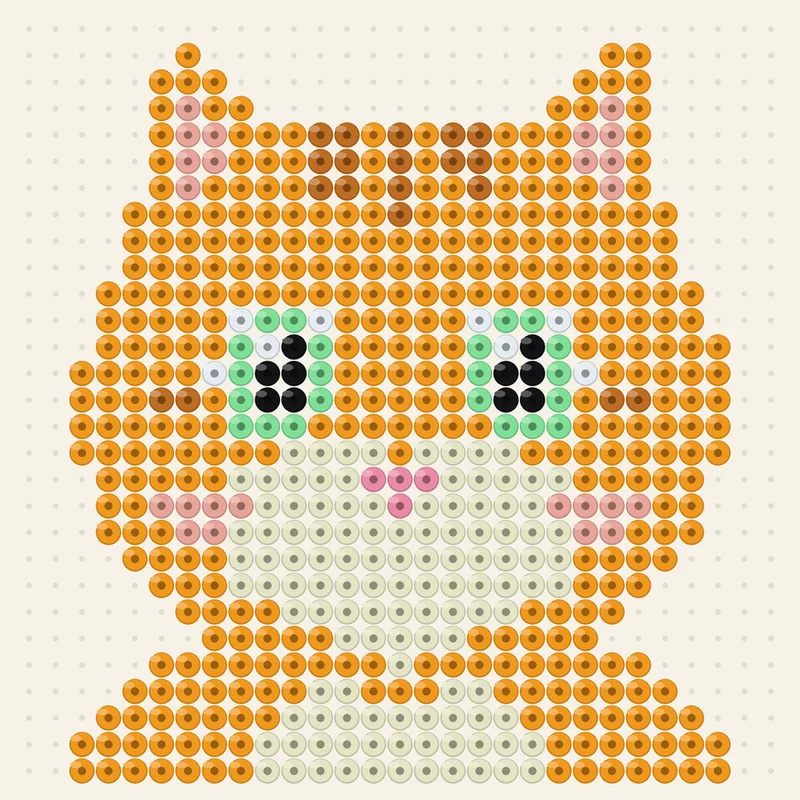
This kitten became a pattern of 29 × 29 beads. BeadPop matched every bead to a real color from a bead palette.

Pick one from your library or take a new one with the camera.
BeadPop finds the subject, crops it, removes the background and matches every bead to a real color of your brand.
Follow the pattern color by color and tap each bead as you place it. Your progress is saved.
Colors from the palettes of Perler, Hama, Artkal, MARD and Nabbi, mini beads included.
Every color with its code and how many beads you need, so you buy only what you use.
One color at a time. Tap each bead as you place it and pick up right where you stopped.
Print at actual size to slide under a clear pegboard, or bigger with a code on every square.
Change the size, colors and background, or fix single beads with pencil, eraser and fill.
Spread a pattern across several pegboards, up to 200 × 200 beads.
Eight ready-made drawings, or a blank pegboard to draw your own.
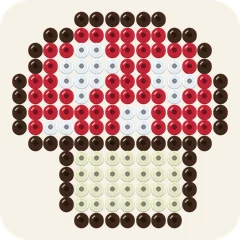
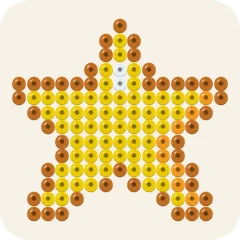
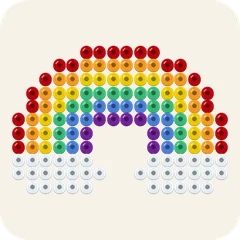
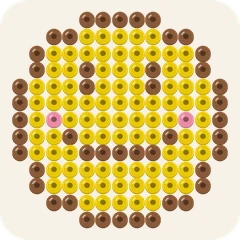
Turn any photo into beads.
Everything you need to build every pattern.
Download BeadPop to see the plans. The app shows each plan and its price in your currency before you buy anything.
No account, no ads, no tracking. BeadPop makes your pattern on your iPhone or iPad, and your photos never leave it.
Tap “Choose a photo” or “Take a photo”. BeadPop finds the subject, crops it, removes the background and matches every bead to a real color of your brand. Tap “Adjust” to change the size, brand, colors or framing.
A pegboard is the plastic board with small pins where you place the beads. When you finish, you iron the beads so they melt together.
Perler, Hama, Artkal, MARD and Nabbi, including Perler and Hama mini beads. Pick your brand in the app; you can change it at any time.
Making patterns, adjusting them and saving the before-and-after image are free, and so is your first full pattern. Premium unlocks the color codes and shopping list for every pattern, build mode, the printable PDF, patterns on several pegboards and exports without the watermark.
Download BeadPop to see the plans. The app shows each plan and its price in your currency before you buy.
Open Settings in BeadPop and tap “Restore purchases”. Use the same Apple Account you bought with.
On your iPhone or iPad, open Settings › your name › Subscriptions › BeadPop › Cancel Subscription. You keep Premium until the end of the paid period.
Apple handles all payments. Ask for a refund at reportaproblem.apple.com.
BeadPop uses the published color values of each brand. Screens and dye batches vary, so check the codes against your beads before you start.
Still stuck? Write to us and a person will answer within two business days.
Email contato@beadpop.app